The Interface
Landing Page
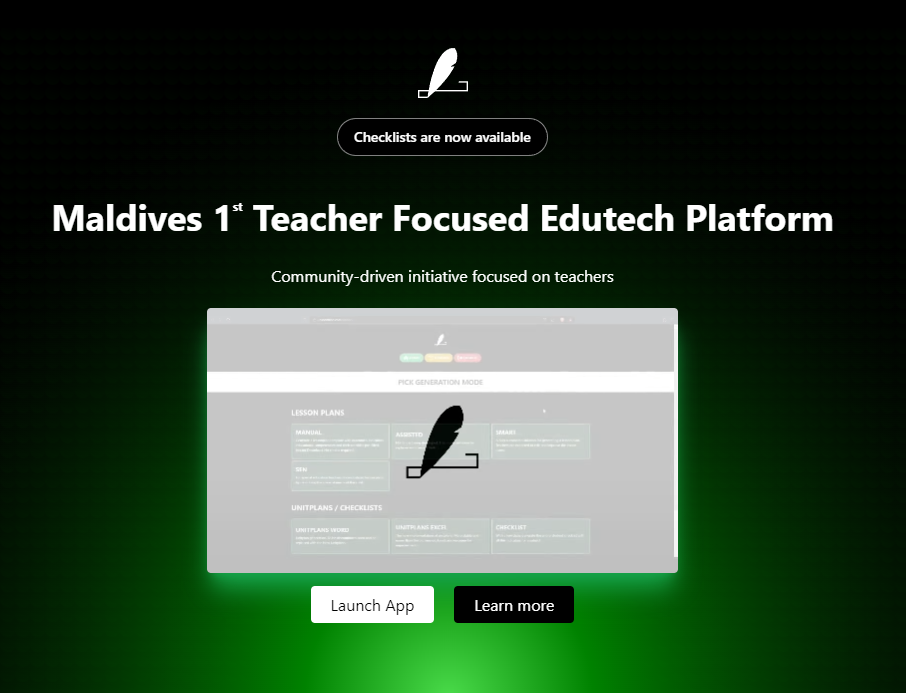
Lessonfuse offers a user-friendly landing page on lessonfuse.com with two prominent buttons:
-
Launch App: Clicking this button directs users to the application. If not logged in, they will be taken to the login page.
-
More Info: This button leads users to the documentation section for guidance and information.
Login
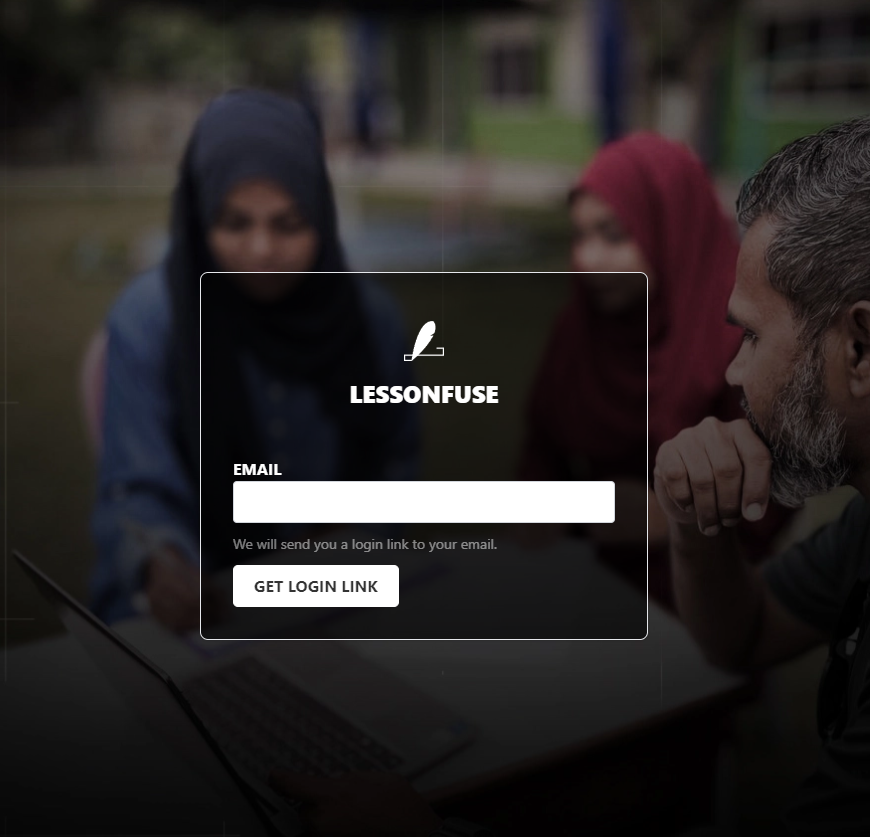
Login Process
- Users enter their email address to receive a login link via email.
- Clicking the link in the email logs them in.
Registration
- Lessonfuse registration is exclusive to educators, and student teachers are not eligible.
- To register, users must contact us and pay the subscription fee.
- Users should provide an edu.mv email address associated with a school.
- Contact can be made via Viber or Telegram at the number 7873673 after payment.
Menu
The menu at the top of the interface consists of three main links:
-
Home: Returns users to the main interface.
-
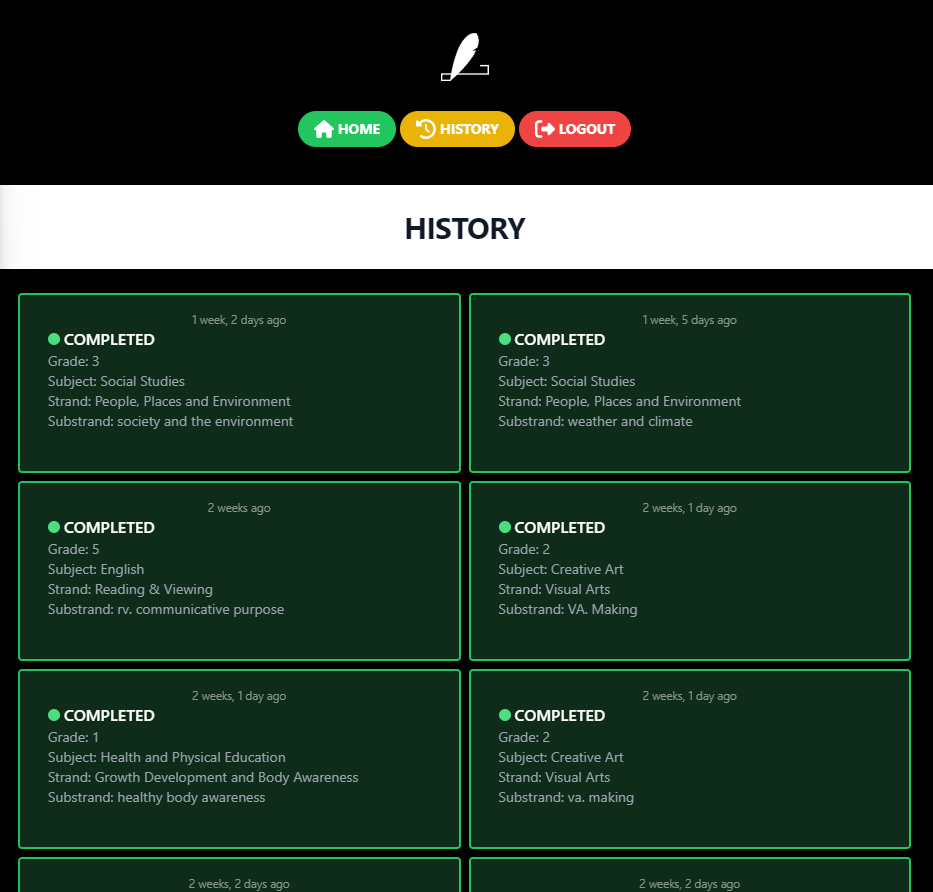
History: Displays a history of generated lesson plans, their status, and generation times.
-
Logout: Logs users out of the application.

History
Overview
The history page provides a comprehensive view of all generated lesson plans, including their status, as one of the following:
- In Progress
- Completed
- Failed
Interaction
- For completed plans, clicking on a lesson plan redirects users to the template picker.
Templating System
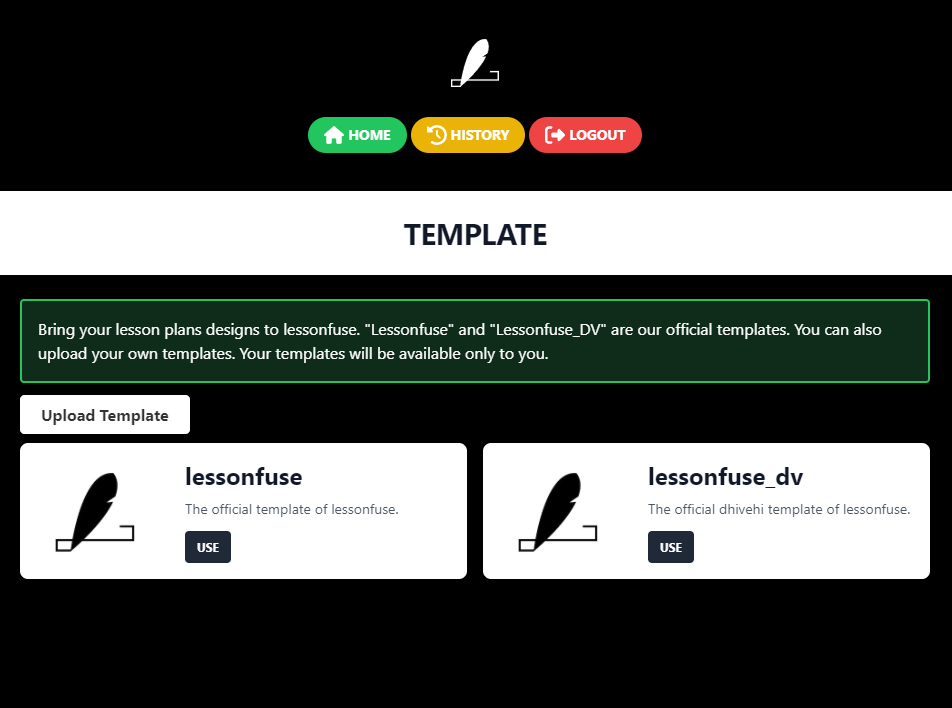
- Lessonfuse templating system allows users to utilize their preferred lesson plan format while incorporating Lessonfuse generated content.
- To use this feature, users should upload a .docx file with specific tags.
Tags
Tags within the .docx file serve as placeholders for Lessonfuse-generated content and include:
[subject_name][grade_num][teacher_name][date][unit][topic][duration][lesson][strand][substrand][outcomes][competency][shared_values][learning_intention_section][prior_knowledge][vocabulary][teaching_and_learning_resources][hook][main_activity][differentiated_instruction][closure][procedure]
Additional Information
- Users should upload .docx files.
- Accidentally uploaded templates can be deleted.
- The maximum file size is 5MB.
- Tags can be repeated.
- Templates can be creative and not limited to traditional lesson plans.
Official Templates
- Lessonfuse provides official templates, which are visible to all users.
- User uploaded templates are only visible to the user who uploads them.